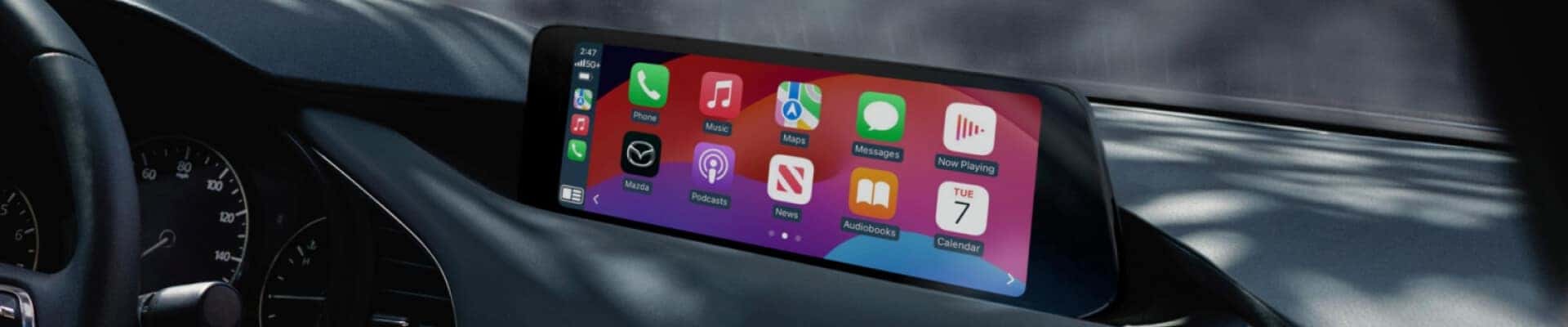
If you’re in the market for a new car, you probably hear about the benefits of Mazda Apple CarPlay®. If you aren’t familiar with Apple CarPlay®, it’s a software system that comes with new Mazda vehicles to help you pair your compatible iPhone® with your vehicle. With Apple CarPlay®, you can bring your favorite podcasts and playlists along for the ride and pick up that new audiobook you love right where you left off. Since not all new Mazda models come with navigation, drivers also utilize Apple CarPlay® because they can use Google Maps™ or Waze Navigation on their phone to receive turn-by-turn directions to their destination.
We created this step-by-step guide to help our customers at Greenway Mazda and Mazda owners everywhere learn how to connect their vehicles to this convenient tech and take advantage of the benefits of Apple CarPlay®!
To start enjoying Apple CarPlay® in your Mazda, make sure you meet these iPhone® requirements:
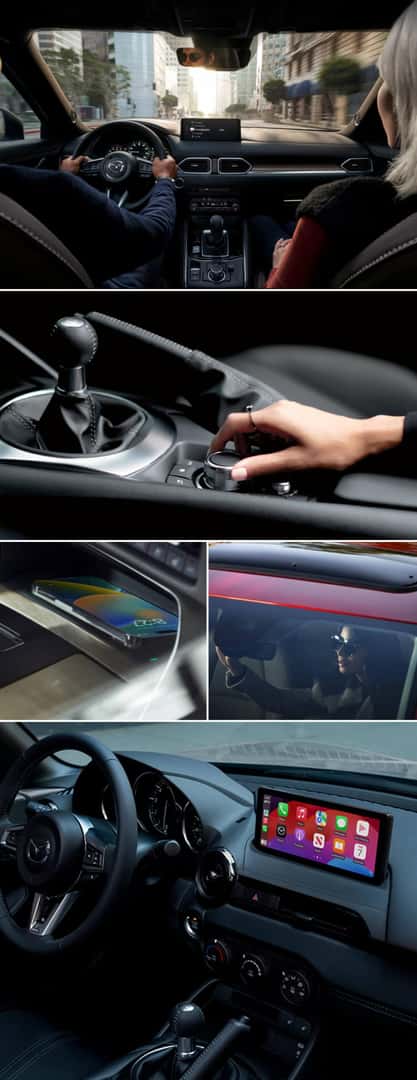
Depending on which Mazda vehicle model you have, there are two ways to connect to Apple CarPlay®. The first is with a wired connection, and for this, you will need an Apple® Lightning cord that matches your device and the input port on your vehicle, which may be a USB-A or USB-C input. If your vehicle is equipped with wireless Apple CarPlay® compatibility, then a cord is not required. The process will be the same for any of our models within our new Mazda specials equipped with this feature. Whether you need Mazda CX-5 Apple CarPlay® integration or want to utilize Mazda3 Apple CarPlay® in your sedan or hatchback, follow the steps below.
Required equipment: your device and an Apple® Lightning cord that matches your device and your vehicle input port.
If Apple CarPlay® does not start automatically, ensure that your cord is plugged all the way into your device and your automobile, and ensure it shows that your phone battery is charging. Next, press and hold the Home button on your Mazda control center until the Apple CarPlay® screen appears.
These steps will help you connect any of our new Mazda vehicles to Apple CarPlay®, as long as they are equipped and you have the proper items to do it.
Required equipment: a charged compatible iPhone®. To connect your iPhone® to wireless Apple CarPlay®, you will use your vehicle’s Mazda Connect™ Bluetooth® and Wi-Fi connectivity settings. Below, we’ve outlined the typical steps you’ll follow to activate wireless CarPlay®, though they may vary depending on the model:
Many of our new Mazda lease deals come with wireless Apple CarPlay®, but some Mazda vehicle models only support a wired connection. No matter which connection you use, Apple CarPlay® will function the same way and provide access to your favorite apps for navigation, entertainment, and messaging.
Download the Mazda Apple CarPlay® Quick Start Guide for more information.
When you’re shopping for a new or used car and know you want the vehicle to come equipped with this convenient tech, you can check out our list of available Mazda models with Apple CarPlay®. If your current model isn’t listed, it may be possible to install Apple CarPlay® on it. Contact our dealership to see if your sedan, hatchback, or SUV can be upgraded with this exciting technology and what the process entails.
| Mazda Model | Model Years |
|---|---|
| MAZDA CX-5 | 2019 – 2024 |
| MAZDA CX-8 | 2019 – 2024 |
| MAZDA CX-9 | 2019 – 2024 |
| MAZDA CX-3 | 2020 – 2024 |
| MAZDA CX-30 | 2020 – 2024 |
| MAZDA CX-50 | 2022 – 2024 |
| MAZDA CX-60 | 2022 – 2024 |
| MAZDA CX-70 | 2025 |
| MAZDA CX-90 | 2024 |
| MAZDA MX-30 | 2021 – 2024 |
| MAZDA MX-5 MIATA | 2019 – 2024 |
| MAZDA3 | 2019 – 2024 |
| MAZDA2 | 2020 – 2024 |
| MAZDA6 | 2018 – 2022 |
Yes, depending on your vehicle’s model, model year, and trim, a Mazda Apple CarPlay® upgrade is possible. If you want to add Apple CarPlay® to your Mazda, the most recent version of the Mazda Connect™ infotainment system and 2.1-amp USB ports will be installed. Installing Apple CarPlay® is possible on models as early as 2014 when equipped with Mazda Connect™.
If you have a 2014 or newer Mazda vehicle and would like to have Apple CarPlay® installed, please contact our service department to schedule an appointment. The service typically takes about two hours and can range in price plus any fees for labor. Our service department can provide a more accurate estimate once we have the specifics of your vehicle.
Yes, it is possible to install Apple CarPlay® yourself if you are particularly tech-savvy. However, keep in mind that installing Apple CarPlay® in your Mazda requires hardware and software updates that may be better suited for a certified Mazda technician to handle. The latest Mazda Connect™ infotainment system and 2.1-amp USB ports are required. Call our service center if you have any specific questions.




